Color Analysis Quiz & Seasonal Palette
Take our free seasonal color analysis quiz or run a virtual color palette analysis from a daylight photo to find your undertone (warm, cool, or neutral) and best colors—100% locally.
Upload a photo
Your photo is analysed on your device. If you send it from your phone, it is encrypted end-to-end and deleted within 10 minutes.
Photo tips for the clearest result
- Face straight into the camera with a neutral expression.
- Pull hair back from your forehead and jawline.
- Use even, front-facing light and remove glasses or hats.
- Keep your whole face centered and filling a good part of the frame.
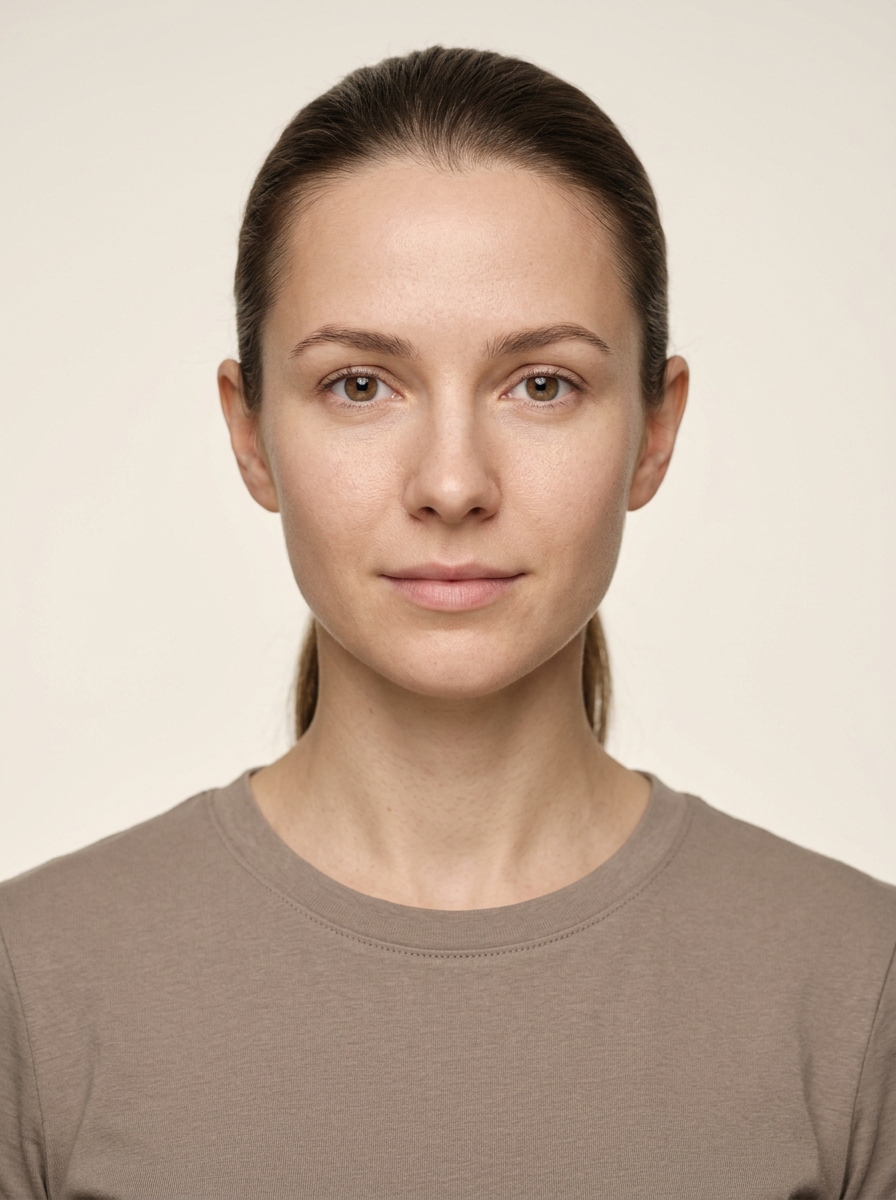
Live output preview
Color season
Cool Winter
Cool undertone · High skin-to-brow contrast
Generates hex color swatches & metals guide locally in browser
Step-by-step guide
How Our Color Analysis Quiz Finds Your Season
Get your undertone and seasonal swatch palette in under a minute using either a daylight photo or the 4-question quiz.
Choose Photo Scan or Manual Quiz
Upload an unfiltered daylight selfie for automatic pixel sampling, or open the Manual / Quiz tab if you prefer answering four classic draping questions.
Check undertone, depth, and contrast
We evaluate three dimensions—warm vs. cool temperature, light vs. deep value, and low vs. high contrast between skin, eyes, and brows.
Save your best colors & metals
Use the six core swatches, metal recommendations (gold, silver, or mixed), and avoid list when shopping for tops, frames, or lip shades.
Reference ranges
The 4 Seasonal Color Analysis Palettes
Each season pairs a temperature (warm or cool) with a clarity and contrast level so colors illuminate your complexion rather than washing it out.
| Season | Undertone | Contrast & Clarity | Signature Swatches & Metals |
|---|---|---|---|
| Spring | Warm / golden | Light-to-medium depth, clear & bright | |
| Summer | Cool / rosy | Light-to-medium depth, soft & muted | |
| Autumn | Warm / olive-golden | Medium-to-deep, rich & earthy | |
| Winter | Cool / blue-based | High contrast, crisp & saturated |
Methodology & privacy
How Undertone, Depth & Contrast Are Measured
In photo mode, the browser locates cheek, forehead, and eyebrow landmarks with MediaPipe and samples balanced skin patches in CIELAB-inspired warmth and luminance space. Warmth separates golden/peach undertones from cool/rosy undertones, while the luminance gap between skin and brows estimates natural contrast.
Because yellow indoor lighting or phone auto-white-balance can nudge a photo warm or cool, the Manual / Quiz tab lets you cross-check with four time-tested draping cues: wrist vein hue in daylight, gold vs. silver jewelry harmony, crisp white vs. cream fabric, and overall skin-to-hair contrast. Nothing leaves your device.
Runs 100% locally in your browser via MediaPipe 478-point facial landmarks. Photos and measurements are never uploaded, stored on a server, or used to train AI models. Results are objective geometric style references—never clinical diagnoses or attractiveness ratings.
Read our full 478-landmark methodology & published sources →
Camera distance
Avoid close-up lens distortion
Holding a wide-angle smartphone camera inches from your nose artificially enlarges the center of your face and narrows the temples and ears. Step back to full arm’s length or use a 2× rear lens at eye level for accurate geometry.
Lighting & posture
Face even natural daylight
Harsh overhead shadows or side window light can shift cheek, brow, and jaw boundaries by several millimeters. Keep your chin level, relax your mouth, pull hair off your forehead, and look straight into the lens.
Zero-upload privacy
Processed strictly on device
Unlike cloud apps that upload selfies to remote GPUs, every landmark calculation runs inside WebAssembly in your browser tab. Closing the tab clears image memory immediately—nothing is logged, stored, or shared with third parties.
Deep-dive guides
Related styling & proportion guides
Winter Color Analysis: True, Deep & Bright Palettes
Explore wearable HEX swatches, silver hardware rules, and how to tell True, Deep, and Bright Winter apart.
Read guide →ChatGPT Color Analysis Prompt & Accuracy Check
Copy our structured 12-season HEX prompt and see why indoor selfies often trick cloud AI chatbots.
Read guide →FAQ
Color Analysis Quiz FAQ
How does this color analysis quiz and photo scanner work?
You can either upload a natural-light photo—where your browser samples cheek, forehead, and brow pixels to measure undertone, depth, and contrast—or switch to the Manual / Quiz tab to answer four quick questions about your veins, jewelry, white drape, and contrast.
What are the four seasonal color analysis palettes?
Seasonal color analysis groups flattering colors into Spring (warm & bright), Summer (cool & soft), Autumn (warm & muted), and Winter (cool & high-contrast), helping you pick clothing, makeup, and hair colors that harmonize with your skin.
Why does lighting affect photo color analysis?
Warm tungsten bulbs add yellow cast and phone screens add blue cast, which can skew undertone readings. Stand facing a window in indirect daylight without filters, or cross-check with the 4-question color analysis quiz.
What is the difference between skin tone and undertone?
Skin tone (depth) is how light, medium, or deep your surface complexion is and can change with sun exposure. Undertone (warm, cool, or neutral) is the subtle hue beneath the surface and stays consistent year-round.
Can I be a neutral undertone in seasonal color analysis?
Yes. Many people sit near the warm/cool boundary and borrow comfortably from two neighboring seasons—such as Soft Autumn and Soft Summer, or Bright Spring and Bright Winter.
How does color analysis work for olive skin or men?
Olive skin carries a muted green-yellow or cool-olive cast that can sit in Soft Autumn, Deep Autumn, Soft Summer, or Deep Winter depending on contrast—our photo sampler reads undertone independent of surface shade. Color analysis for men uses the exact same undertone and contrast math to pick flattering shirts, suits, and frames.
How much does a color analysis cost compared to an online test?
In-person studio draping typically costs $200 to $450. Our virtual color analysis test is 100% free in your browser (via photo scan or 4-question seasonal color analysis quiz), with an optional $9.99 one-time full Style Report if you want a printable multi-module dossier.
Does my photo stay on my device?
Yes. All pixel sampling and quiz scoring happen locally in browser memory. Your photo is never uploaded or stored on any server.